
Showing posts with label blogger. Show all posts
Showing posts with label blogger. Show all posts
09 November, 2013
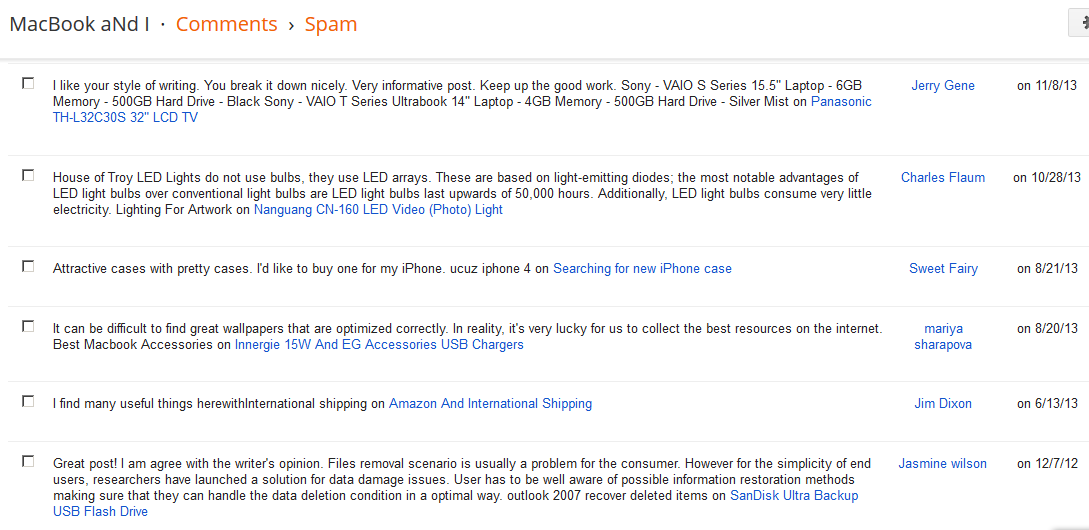
Spam Comments


01 November, 2012
Blogger Headings
Heading
Subheading
Minor heading
Is it me, or does the Minor heading look like the most important one of all? I'm guessing these are defined by the theme, and this theme isn't that well designed. You can't tell what they're going to look like when writing a post, they all look bold, with Heading the largest and Minor heading the smallest - just the way it should look.
17 September, 2012
02 November, 2011
Blogger Dynamic Views
I tried out new layout "Dynamic Views" on Blogger, then reverted back to this old one.
- I like this Sidebar view because you can see and access a lot of posts at once
- Something about the page width
- The search function doesn't work.
- No list of tags
- No links to new post / customise
17 September, 2011
Label guidelines
Updated: 29 Oct 2011
My labels are a mess, so I'm trying to follow these guidelines. This post is so important, I made a link to it on the top.
My labels are a mess, so I'm trying to follow these guidelines. This post is so important, I made a link to it on the top.
- Android - posts relating to the Android OS, or Android devices from manufacturers without their own label
- Apple - the company, their philosophy or their products without labels
- AppleScript
- bad designs - examples of poor design
- blogger - comments on the Blogger service, or settings for this website
- dyson - company or products
- ebay - company or things found on eBay
- excel
- farmville
- fashion - clothes and eyewear
- gadgets - devices without their own label
- gaming - hardware or software
- gmail
- Google - company, policies or products without labels
- GPS - GPS devices
- hardware - computer hardware without their own label
- house design - things I want/don't want in my house
- imovie
- iOS - iOS itself and apps
- ipad - hardware or software specific to the iPad
- iPhone - hardware or software specific to the iPhone
- iPhoto
- iPod
- IR webcam
- iTunes
- Kindle
- label printers
- macbookpro - hardware or software specific to the MacBook Pro
- monitors
- networking - networking/Internet hardware/software
- nutrition
- OS X - the OS and included apps
- photography - cameras, theory, techniques
- photoshop
- Picasa - Google's product, Picasa, including Picasa Web Albums
- pointing devices - things that control the cursor on your computer screen
- printers
- retro - posts about old devices
- sony
- stationery
- statistics
- technology - posts on technologies that may or may not currently be used, or comments on science
- think - questions/thought experiments
- travel
- watches
- wikipedia - interesting wikipedia articles
- windows
- word
- youtube
27 December, 2010
Coloured bullet points
In my last post (below), I thought having the whole text green or red was overkill, so I found a way to change only the bullet's colour.
Normally, to change the whole line's colour, you'd use:
<ul>
<li style="color: lime;">text here</li>
</ul>
This changes the colour of the bullet as well. To make the font white, simply change it back!
<ul>
<li style="color: lime;"><span style="color: white;">white text, green bullet</span></li>
</ul>
Normally, to change the whole line's colour, you'd use:
<ul>
<li style="color: lime;">text here</li>
</ul>
This changes the colour of the bullet as well. To make the font white, simply change it back!
<ul>
<li style="color: lime;"><span style="color: white;">white text, green bullet</span></li>
</ul>
04 November, 2010
Expanding collapsing text
Some code I found to hide/display text. It'll come in handy in the future, I just don't know how. Source

I might use it to display post summaries, although Blogger already has a function for this. What I really want is to use text as the link instead of buttons and be able to nest text; I think that'd be great for keeping my notes, because that's how I think.
You can put the buttons anywhere:
18 October, 2010
Some Blogger comments
Blogger doesn't work as well with Firefox. In this field where I'm typing this, the cursor is often at the wrong place. Command+left and right, which I use as Home and End in OS X, don't work.
I've found some features in Blogger like reactions and pages. Pages seems quite useful, but I can't think of any pages to write right now. I've enabled reactions but I can't see the options. I wonder what's wrong?
Ah, I needed to reset my widgets by http://www.bloggerbuster.com/2008/08/bloggers-new-reactions-feature-how-to.html. It's a good thing I'm using stock widgets. It seems the reactions is well implemented - you can have multiple reactions, and you can even "un-reaction".
It seems Tumblr is a popular microblog site now. I wonder if it's more suitable for me? I think Blogger is more suited to the occasional large post.
I've found some features in Blogger like reactions and pages. Pages seems quite useful, but I can't think of any pages to write right now. I've enabled reactions but I can't see the options. I wonder what's wrong?
Ah, I needed to reset my widgets by http://www.bloggerbuster.com/2008/08/bloggers-new-reactions-feature-how-to.html. It's a good thing I'm using stock widgets. It seems the reactions is well implemented - you can have multiple reactions, and you can even "un-reaction".
It seems Tumblr is a popular microblog site now. I wonder if it's more suitable for me? I think Blogger is more suited to the occasional large post.
28 June, 2010
Mouseover changing pictures
2 things about changing pictures on mouseover:
- Need different names for different images on the same page. A naming scheme like date+serial number works.
- Names can't start with numbers, it seems.
This page's width and Picasa's pictures

Another thing, it seems Picasa Web Albums will resize your pictures on demand. For example, the URL of the picture above is https://blogger.googleusercontent.com/img/b/R29vZ2xl/AVvXsEgyWTJS_OUQ4_uq3ZmUq0eVM0zkpwMPFTE4PYhF-gO1OLhyFo84OF6KYQ1sFnPtkHt34GdFvUZqP-sFvIxAim-ObMFEv_QEGKFleC54oakZ6puzFy4_P8cckkBDYWHZtnBHZfPcLIPuGA8/s800/DSC_0300.JPG However, you can change the "s800" to anything from "s1" to "s1600" and it will give you a resized picture. I don't think it stores 1600 versions of the picture, I think it's resizing it based on the URL you request.
Lastly, there is another picture setting when posting here. I can control the size pictures are displayed at. For example, the picture below is 200 pixels wide, using the trick above, but I'm making it display at 770 pixels.

25 June, 2010
Using Blogger to take notes
Last semester, I took notes in class by making comments in pdf files. I'm considering using Blogger (this site) to take notes next semester for these reasons:
- Automatic saving and backup
- Easy searching by date or tag
- Automatic archiving - I don't need to scan notes or upload them
But I'm being wary of these:
- Requires Internet access
- Cannot draw diagrams easily (applies to all notes on computers)
- Must ensure blog is private
15 June, 2010
Google's products
My thoughts on Google's products:
Search
+ Search for images, videos etc. Image search has a "find more like this" function and can filter types of images e.g. lineart, photos.
+ Filter by date and type of result.
-Sometimes, adding more search terms gives more hits, instead of less:


Blogger
+Automatic saving
+Free image hosting
+Easy handling of tabs
+Easy searching of blog
+Many widgets, like posts by month
+Powerful formatting
Picasa Web Albums
+Cheap storage
+Editing and organising functions e.g. rotation, batch move/delete
+Links still work if you move the photo to another album
-Cannot search by file name or user name
-Must be careful with geotagged photos
-Needs more statistics like most visited, total number of photos
Android
+Only viable competitor to iOS now
-Cannot run apps off SD card
-Good luck getting an upgrade
Search
+ Search for images, videos etc. Image search has a "find more like this" function and can filter types of images e.g. lineart, photos.
+ Filter by date and type of result.
-Sometimes, adding more search terms gives more hits, instead of less:


Blogger
+Automatic saving
+Free image hosting
+Easy handling of tabs
+Easy searching of blog
+Many widgets, like posts by month
+Powerful formatting
Picasa Web Albums
+Cheap storage
+Editing and organising functions e.g. rotation, batch move/delete
+Links still work if you move the photo to another album
-Cannot search by file name or user name
-Must be careful with geotagged photos
-Needs more statistics like most visited, total number of photos
Android
+Only viable competitor to iOS now
-Cannot run apps off SD card
-Good luck getting an upgrade
Subscribe to:
Posts (Atom)