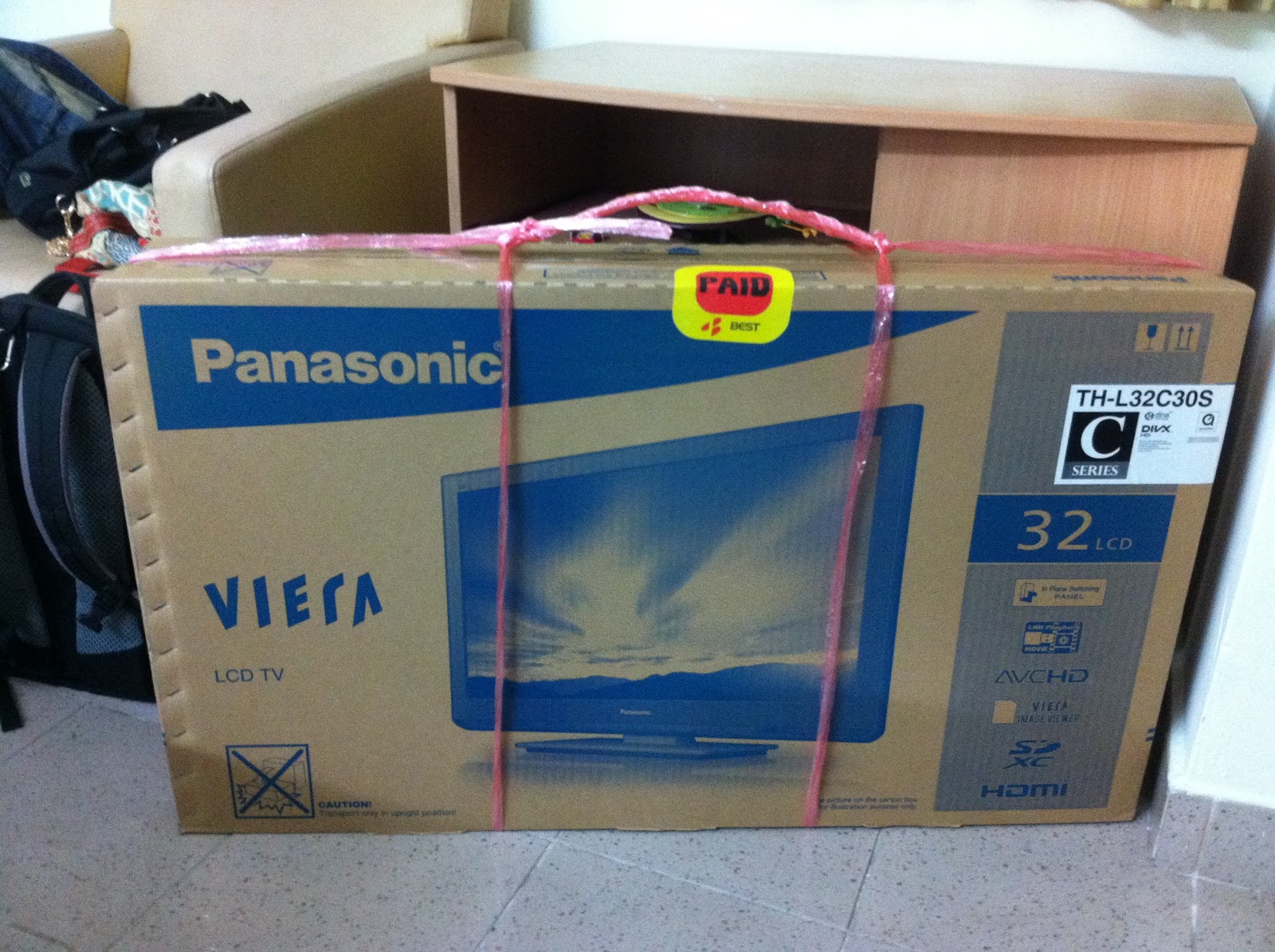
When looking for a TV recently, I found out TVs now can roughly be divided into 3 categories. In increasing price/performance:
- LCD
- LED
- 3D
In the end I bought the Panasonic TH-L32C30S 32" C-series Viera LCD TV for $399. Originally I was looking for a full HD (1080p) TV, but I got this (720p) in the end because there were no 1080p TVs in my budget, and I didn't have space for a 40" TV. To get the full benefit of a 1080p TV at 32" you also have to sit pretty close to the TV.
Specifications
- 1366x768 resolution
- Inputs: 1 component, 2 composite, 3 HDMI, VGA, 2 USB, SD card
- On SD and USB, it supports formats avi (divx, xvid, mpeg4), mp4, mov and several others
- 99W power consumption, 0.25W standby
Hardware
- The TV is only 9kg! The whole package is 12kg.
- I think the TV is very well designed. I'm not very updated with TVs so I don't know how standard these features are. There is a set of inputs on the side for ad-hoc connections. There is a set of buttons on the other side to control the TV without the remote. You can use these buttons to turn on the TV without the remote.
- I am most impressed with the HDMI input on the side - you can use audio from the HDMI, or if you're connecting it to an old computer like I am or using DVI to HDMI, there won't be any audio in the HDMI stream. You can tell the TV to use analog (red and white) audio input!
- The LCD panel is IPS, like the iPhone 4 and iPad. This gives very good viewing angles. I think for computer monitors you can only get the smallest IPS ones for $399.

- The USB port can charge iPhones! (phone displayed "charging". Did not wait to see if battery level went up)
Software
- TV can store audio volume and colour adjustments for each channel
- TV can black out the screen to save power, leaving only audio
- In Game mode, it can remind you how long you've spent playing
- You can rearrange and name channels
- Rename inputs (e.g. HDMI1 to DVD)
- The menus are intuitive and easy to use, but I can't remember the difference between "menu" and "option" on the remote.
In short, it seems like a fully-featured TV. Did I mention the C-series is Panasonic's entry level?
Power measurements:
- Off - 2 W (if you turn it off using the remote, it uses 11 W for a while, then drops to 2 W)
TV (analog for now)
- Audio off - 73 W
- Audio and screen off - 34 W
- Audio and screen off, charging iPhone - 37 W